From the journal
Essential Graphic Design Tips for a Professional Website
A professional website is more than just functionality; the visual appeal is key to attracting and retaining visitors. Good design can enhance user experience, communicate your brand and build credibility. Here are the graphic design tips to help you create a professional looking website. Understand Your Brand Identity Before you start designing, you need to

A professional website is more than just functionality; the visual appeal is key to attracting and retaining visitors. Good design can enhance user experience, communicate your brand and build credibility. Here are the graphic design tips to help you create a professional looking website.
Understand Your Brand Identity

Before you start designing, you need to have a clear understanding of your brand. Your website should reflect your brand’s values, mission and personality. Who is your target audience and what appeals to them? This will guide your design decisions from colour schemes to typography so your website resonates with your audience and communicates your brand.
Choose a Consistent Colour Palette
Colour plays a big part in graphic design and can evoke emotions and perceptions. Choose a colour palette that matches your brand and is visually pleasing. Limit your palette to 3-5 colours to keep it cohesive across the website. Use contrasting colours for calls to action (CTAs) to make them stand out but make sure they match the overall design.
Pick the Right Typography
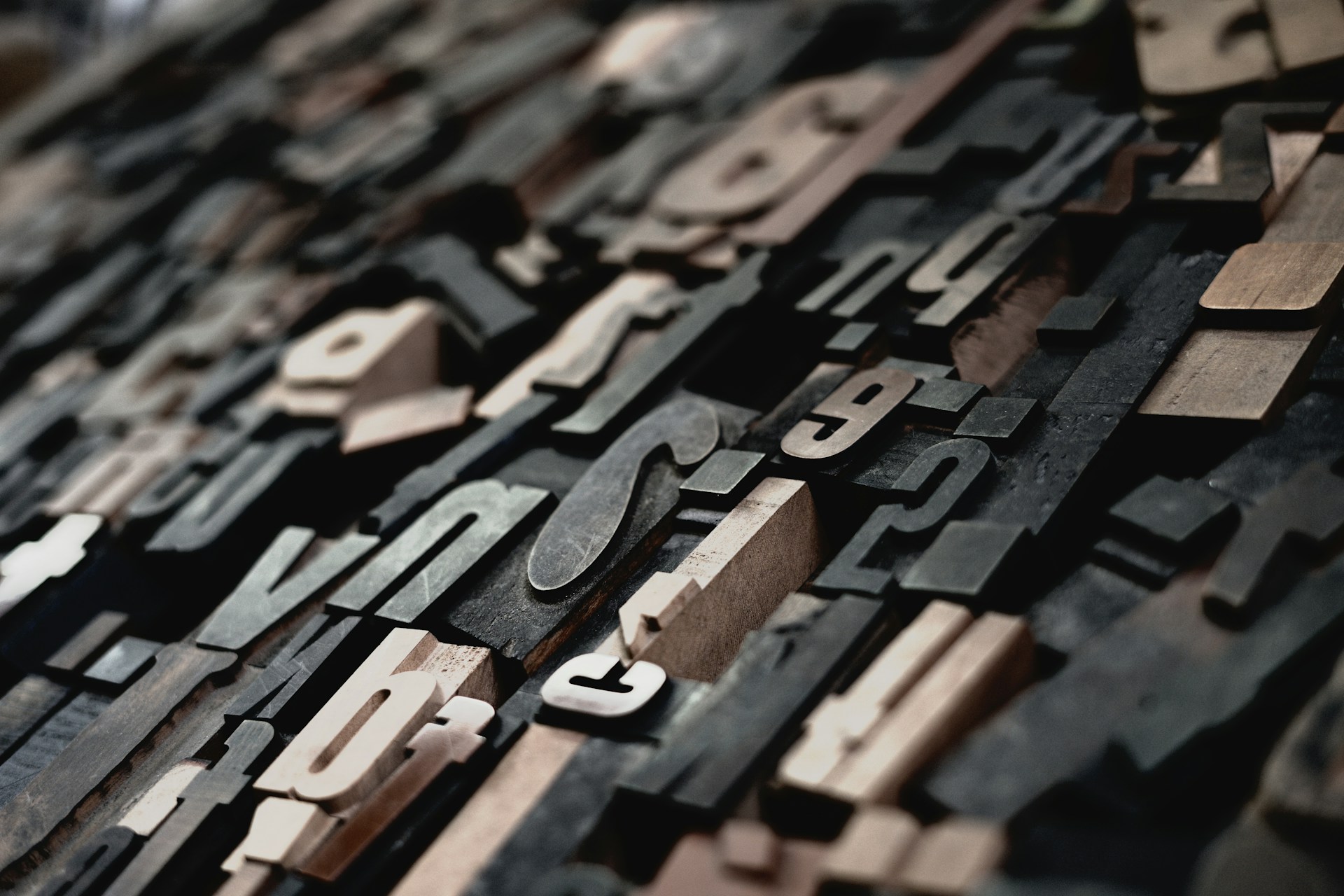
Typography is another key element of graphic design. Choose fonts that are easy to read and match your brand’s personality. Limit the number of fonts to 2-3 to keep it visually harmonious. Use one font for headings and another for body text, make sure they work together. Pay attention to font size, line spacing and letter spacing to make it readable especially on mobile devices.
Utilize White Space Effectively
White space or negative space is the area around design elements that is empty. It’s important to have a clean and organized layout. Effective use of white space can make it more readable, highlight important content and look elegant. Don’t clutter your website with too many elements, instead give space between sections and elements to guide the user’s attention.
Use High Quality Images
Images are powerful tools in graphic design that can enhance your website’s visual appeal. Use high quality images that are relevant to your content and resonate with your audience. Avoid stock images that look generic, instead use original photographs or custom graphics that are your brand. Make sure images are web optimised to load fast without compromising on quality.
Keep Visual Elements Consistent
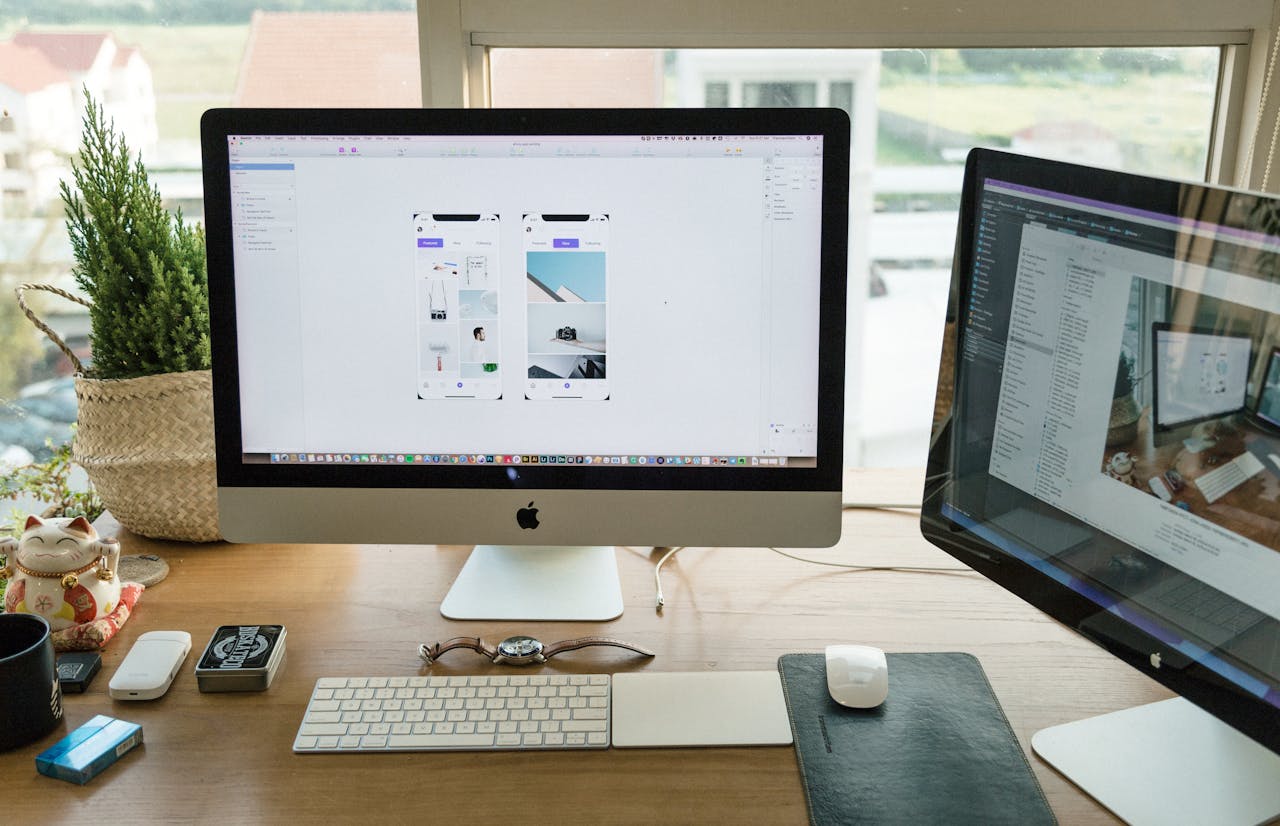
Consistency in design elements like buttons, icons and navigation menus is key to a professional look. Use the same style for all visual elements throughout your website. This means same shapes, colours and sizes for buttons and icons. Consistency helps users navigate your site more intuitively and reinforces your brand.
Design for User Experience
Ultimately graphic design is to enhance user experience. Make sure your website is easy to navigate, with clear CTAs and intuitive layout. Use visual hierarchy to guide users through your content, highlight important information and make it easy for them to find what they need. Test your design with real users regularly to get feedback and make adjustments.
Conclusion
By following these graphic design tips you will have a professional and beautiful online presence. Understand your brand, choose a consistent colour palette, pick the right typography, use white space wisely, use high quality images, keep visual elements consistent and design for user you will have a website that looks good and converts.