
From the journal
How to Choose a Free Website Theme

By Naomi Wells
A free website theme can provide the layouts, typography and navigation needed for a publication, portfolio or small service website. The useful question i
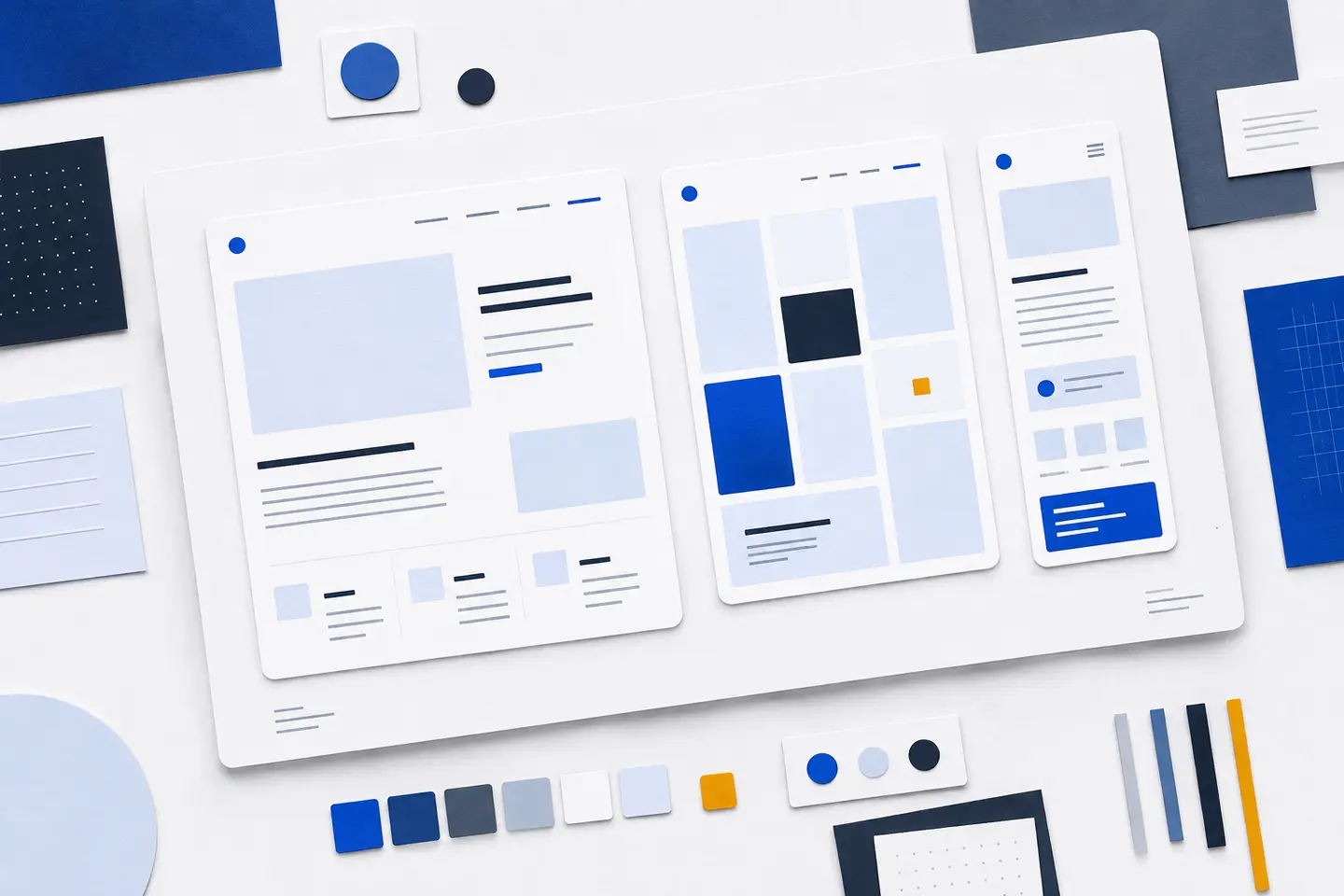
A free website theme can provide the layouts, typography and navigation needed for a publication, portfolio or small service website. The useful question is whether it suits your content and remains manageable after the initial setup. A download without a charge can still demand considerable work if ordinary changes require extensive custom code.
Choose against a written brief, then test a small shortlist with your own material. Screenshots show a carefully arranged example; they cannot tell you how a theme handles your longest heading, an awkward image crop or a menu containing all your pages.
Understand what the theme controls
A theme governs presentation: page structure, colours, spacing, text styles and templates. Its choices can also affect navigation and other interactions. Keep essential content and functionality separate from that presentation where possible. An enquiry record or project description should remain available when you change the visual design.
Documentation should explain how themes are installed and managed. A theme directory can help you compare candidates, but check its review criteria rather than assuming that inclusion proves suitability. Read the listing alongside the installation instructions, compatibility notes and licence.
Start with the pages you need
Write down your audience, main content types and the action each page should support. A publication needs comfortable reading and clear category navigation. A portfolio needs useful project descriptions as well as images. A service website needs visitors to find relevant information without working through decorative sections.
Turn those needs into a small test set: a long article, a short information page, an image gallery and your intended navigation. Include realistic titles and uneven text lengths. A layout that depends on every excerpt occupying exactly two lines will need careful checking as content changes.
Separate requirements from preferences. Readable text and a usable menu are requirements; a particular animation is usually a preference. This distinction makes it easier to reject an attractive demonstration that cannot support the site's everyday tasks.
Choose an editing approach you understand
Some themes expose much of the page structure through visual blocks. Others rely more heavily on predefined templates and separate settings. Read the official Theme Handbook overview before choosing which approach fits your workflow.
Test how changes are saved and where they apply. Adjusting one page should not unexpectedly alter every article. Equally, a shared heading style should not require editing each page individually. Find out how to distinguish local changes from site-wide settings before making either.
Ask the person who will maintain the website to create a page, edit a menu and replace an image. Note where they hesitate or need instructions. An editing system that makes these routine tasks confusing will add work long after the launch.
Check the source and maintenance record
Use an identifiable download source and read the licence for both the theme and any bundled assets. Directory requirements may cover licensing, privacy, code quality and the boundary between presentation and functionality. Those requirements are useful context, but you still need to inspect the package's documentation.
Avoid anonymous archives and modified copies whose origins you cannot establish. Keep a record of the source and version you install. Review required extensions before accepting them: each dependency adds another component to maintain and another possible cause of conflicts.
Look for a clear changelog, compatibility information and useful responses to support questions. Download totals and ratings cannot show whether your particular menu or page structure will work. Repeated reports about broken navigation or ordinary editing tasks deserve a closer look.
Test accessibility through actual tasks
Check that text is readable, headings describe the structure and links are distinguishable from surrounding copy. Colour should not be the only way to identify an error or selected option. Navigation controls need meaningful labels and a visible indication of keyboard focus.
A theme label cannot establish the accessibility of your finished site, which also depends on content and configuration. Use the official accessibility guidance as a checklist rather than treating a label as a complete audit.
- Move through the page using the keyboard, including menus and any expandable controls.
- Check that focus remains visible and follows a sensible order.
- Enlarge text and confirm that navigation and paragraphs remain usable.
- Inspect a narrow viewport for clipped labels and unwanted sideways scrolling.
- Check image descriptions and ensure essential information is available without the image.
Repeat these checks after changing colours, fonts or templates. A usable default can become difficult to read when a pale brand colour replaces a darker link colour. Automated checks can identify some problems, but they do not replace trying the tasks yourself.
Measure performance with representative content
Hosting, images, fonts, extensions and configuration all influence loading behaviour. A theme therefore cannot guarantee a result on its own. Prefer a design that communicates clearly without large decorative media or effects that delay access to the main content.
Install a candidate on a separate test site and populate it with representative material. Observe when the text becomes readable, whether navigation responds promptly and whether elements move as assets load. Test more than the homepage: an image-heavy project page may reveal different problems.
The official Theme Handbook provides a practical starting point for testing a theme with real content. Compare candidates using the same content and test conditions. Otherwise, differences in image sizes or enabled extensions can make the comparison misleading.
Keep customisation within sensible limits
Check the available controls for type sizes, spacing, colours and image proportions. You should be able to create a consistent hierarchy without adjusting every paragraph separately. Test a long heading and a page without a featured image to expose assumptions hidden by the demonstration content.
If you must rebuild the header, replace the navigation and override most layout rules, reconsider the starting point. Extensive changes can make future updates harder to assess. Keep a short record of custom work, its purpose and where it lives.
Make the design distinctive through relevant images, clear titles and consistent editorial choices. Remove demonstration sections that have no purpose, then check for text or navigation still referring to them. Do not retain an empty testimonial area or project counter simply because it was included.
Check empty and missing-content states too. Open a category with no entries, try an unsuccessful search if search is enabled, and visit a nonexistent page. These screens should explain what happened and offer useful navigation. They should not display broken layouts or instructions left over from the demonstration.
Run a final comparison before committing
Review each candidate against the same brief. Record specific observations rather than impressions such as “clean” or “modern”. A note that the menu hides long labels is actionable; a preference for one screenshot is harder to evaluate.
- Confirm that each required page type works with your own content.
- Complete the keyboard, enlarged-text and narrow-screen checks.
- Verify that routine editing tasks are understandable to the maintainer.
- Record required extensions, custom changes and unresolved faults.
- Check what happens to content when another theme is activated on the test site.
Before changing the live website, make a backup and confirm how to restore it. Preserve your test notes so later updates can be checked against the same pages and tasks. Revisit navigation, important templates and essential functionality after updates, especially where you have customised the theme.