
From the journal
How to Write a WordPress Plugin

By Naomi Wells
A WordPress plugin adds a defined feature without changing core files. That separation matters: core updates can proceed normally, while the plugin can be
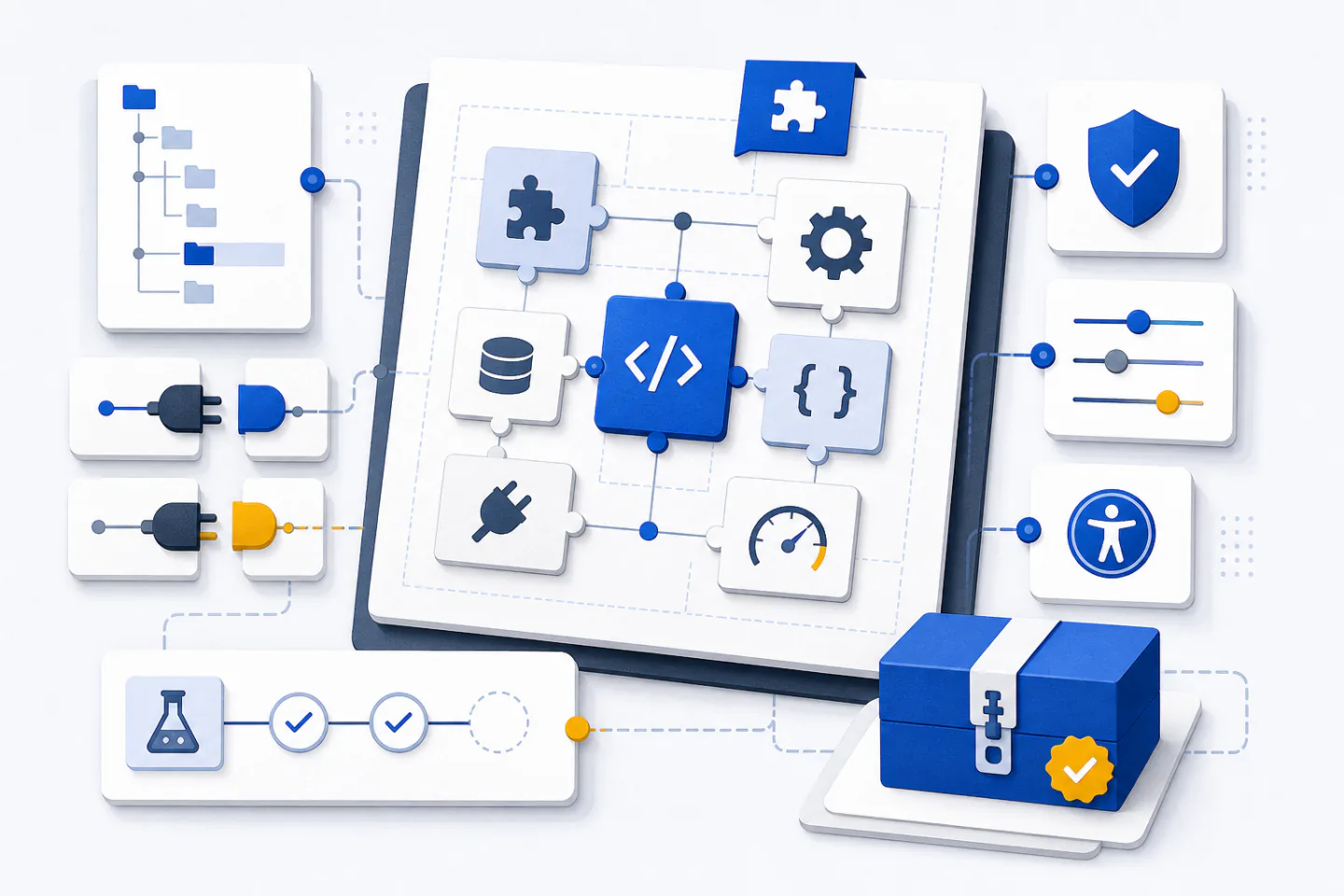
A WordPress plugin adds a defined feature without changing core files. That separation matters: core updates can proceed normally, while the plugin can be activated, tested, replaced or removed on its own. A useful plugin may be small, but it still needs a clear purpose, safe data handling and predictable behaviour.
This guide covers the decisions that turn an idea into a maintainable plugin. It focuses on structure, hooks, settings, security, testing and release work rather than a single code sample. The official WordPress plugin development basics provide the detailed API reference to use alongside these steps.
Define the job before writing code
State the plugin’s purpose in one sentence. Name the user, the action and the result: for example, an editor adds a reusable notice to selected pages. If the sentence contains several unrelated results, split the idea into smaller features or separate plugins.
Write down the boundaries as well as the desired behaviour. Decide whether the feature belongs in the administration area, the public site or both. Identify which roles may use it, which data it stores, and what should happen when a setting, dependency or remote service is unavailable.
- Inputs: list every field, request parameter and imported value.
- Outputs: list the pages, messages, markup and data the plugin produces.
- Permissions: map each action to an appropriate user capability.
- Failure states: define safe defaults and useful error messages.
This short specification becomes a test checklist. It also prevents accidental scope growth, such as adding a custom database table when a single stored option would meet the requirement.
Create a clear plugin package
Create a uniquely named directory under the site’s plugins directory, then add a main PHP file with a matching name. WordPress discovers the plugin through the header comment in that file. Use the existing WordPress plugin header requirements to check the supported fields rather than guessing their spelling or format.
The main file should perform only essential bootstrapping. It can stop direct requests, define the current plugin version, load required files and register lifecycle callbacks. Keep feature logic out of the global scope so merely loading the plugin does not query the database, send requests or produce page output.
A tiny plugin may remain in one file. As responsibilities grow, group them by purpose: shared domain logic, administration screens, public rendering, translation files and browser assets. This makes it easier to load administration code only in the administration area and public assets only on pages that need them.
Choose a unique namespace or consistent prefix for PHP functions, classes, constants, hooks, option names and scheduled tasks. Generic names can collide with a theme or another plugin. Keep credentials and environment-specific configuration outside the package, and never write generated files into its source directory.
Connect behaviour through hooks
Hooks let a plugin work with WordPress without editing core or theme files. Actions run a callback at a named event; filters receive a value, optionally change it and return it. The distinction is simple but important: a filter that does not return the expected value can break later processing.
Register each callback on the narrowest suitable hook. Initialise post types and taxonomies when WordPress is ready for them, load public assets through the public enqueue event, and register administration menus only in the administration area. The reference on actions as execution-point callbacks explains how callbacks, priorities and accepted arguments fit together.
Use the default priority unless ordering has a real functional reason. When a callback needs hook arguments, declare the number it accepts and keep its signature aligned with the hook. Before changing a post or request, confirm the expected content type and execution context so the callback does not run on autosaves, previews, feeds or unrelated queries.
A plugin may expose its own actions and filters where extension is genuinely useful. Give them specific names, document the value or arguments they provide, and avoid changing their meaning after release. Public hooks become part of the plugin’s compatibility surface.
Handle settings and data safely
Store only the data the feature needs. Site-wide configuration usually belongs in options, content-specific values in metadata, and temporary results in a cache with a defined expiry. A custom table is justified only when the access pattern or volume does not fit the built-in data models.
For an administration form, register settings, sections and fields through the standard settings workflow. The WordPress Settings API documentation describes the registration and persistence functions. Provide defaults so a missing option does not cause warnings or leave the public page incomplete.
Treat every incoming value as untrusted, including values sent by an administrator. Check that the request is intentional, verify the current user’s capability, validate the expected type and reject values outside an explicit allowlist. Sanitising text is not a substitute for validating that a number, URL or choice is permitted.
Escape data when it is output, using the method appropriate to its context. Plain text, HTML attributes and URLs have different rules. If limited HTML is allowed, restrict it to a deliberate set of elements and attributes. Use prepared database operations for dynamic values and avoid constructing queries by joining raw input.
Design administration and public output
Place a single settings page under an existing administration section unless the plugin contains several distinct tools. Check capabilities both when registering the page and when rendering or saving it. Stable page and field identifiers reduce broken links and make future migrations easier.
Use visible labels, concise instructions and native form controls. Associate every label with its field, explain errors beside the relevant input, and preserve keyboard focus when a notice appears. Do not rely on colour alone to indicate success, failure or a required value.
On the public site, produce semantic markup and keep presentation separate from content. Load styles and scripts only where the feature is present. If JavaScript enhances an interaction, the essential information or action should remain available when scripts fail. Avoid embedding fixed theme colours, widths or typography in plugin output.
Make displayed text translatable from the start. Keep complete phrases in translation functions, use placeholders for variable values, and add translator context when a phrase could have more than one meaning. Do not join fragments that another language may need to reorder.
Plan activation, deactivation and removal
Activation is for one-time setup such as creating initial options or scheduling a task. It should fail safely if requirements are not met. Expensive work does not belong in every page request, and activation should not depend on a visitor loading a later page to finish essential setup.
Deactivation should stop scheduled tasks and temporary behaviour while retaining settings unless removal was explicitly requested. Uninstallation is a separate decision. If the plugin offers complete data removal, make that effect clear and delete only records owned by the plugin.
When stored data changes shape, add an explicit migration keyed to a schema version. Make migrations repeatable, update the version only after success, and test an upgrade from an older installation as well as a fresh activation.
Test, package and maintain the plugin
Develop on a local test site whose PHP and WordPress versions represent the supported environments. Turn on logging, then test with several user roles, an empty configuration and realistic content. The WordPress debugging guide explains the available diagnostic settings.
- Activate and deactivate the plugin without warnings or unexpected output.
- Test valid, invalid, missing and repeated submissions.
- Confirm that unauthorised users cannot view or trigger privileged actions.
- Check administration and public screens with a keyboard and narrow viewport.
- Verify scheduled tasks, remote failures and upgrades from earlier data.
- Review logs after each path, including paths that appear to succeed.
Run syntax checks, coding-standard checks and automated tests before packaging. Build the release archive from version-controlled source so it excludes logs, local configuration, test output and development dependencies. Confirm that the archive creates one plugin directory and that a clean site can install it.
Maintenance continues after release. Keep a change log, version data and supported requirements consistent. Test against upcoming platform and PHP changes before declaring support, replace deprecated APIs deliberately, and treat security fixes as focused changes that receive the same permission, input and output checks as new features.
A sound plugin is not defined by its size. It is defined by clear boundaries, restrained loading, safe data handling and repeatable tests. Start with the smallest complete feature, document its public behaviour, and extend it only when a new requirement fits the original purpose.